
1 min read
Why Inventory Management is Important for Business Success
How much cash is sitting in your warehouse right now? According to McKinsey, U.S. retailers are holding over $740 billion in unsold inventory, a...

Discover how NEX significantly enhanced First Atlantic Commerce's
operations, billing processes, and overall data management efficiency.
15 min read
If you're using QuickBooks, you've probably realized its inventory management features only go so far. Are you manually updating inventory data, struggling to track inventory across multiple channels, or unsure if your numbers actually match your financial reports?
You’re not alone. Netstock’s 2025 Supply Chain Planning Benchmark Report found that 55% of SMBs report holding at least 20% excess stock, while 46% report that 5% or more of their inventory is dead stock. These figures are a clear sign that poor inventory visibility can quickly tie up cash, warehouse space, and operational flexibility.
QuickBooks is powerful for accounting, but it wasn’t built for advanced inventory tracking, order management, or warehouse operations. That’s why many growing businesses turn to inventory management software that integrates with QuickBooks to streamline operations, automate workflows, and keep financial and inventory data in sync.
In this guide, we’ll break down the 10 best inventory management software solutions that integrate with QuickBooks in 2026, so you can choose the right system for your business.
The best inventory management software for QuickBooks depends on your operational complexity, business model, and inventory workflows. Some platforms are better suited for e-commerce and fulfillment, while others focus on manufacturing, warehouse management, or multi-location inventory control.
To help narrow down your options quickly, here’s a high-level breakdown of the top inventory management systems based on common business needs and use cases.
Each of these platforms offers different strengths depending on your inventory complexity, operational structure, and reporting requirements. Below, we’ll break down each solution in more detail to help you determine the best fit for your business.
Choosing the right inventory management software for QuickBooks comes down to how well a system supports both your operational workflows and your financial accuracy. While many tools claim QuickBooks integration, the actual experience can vary significantly depending on how data is synced and managed behind the scenes.
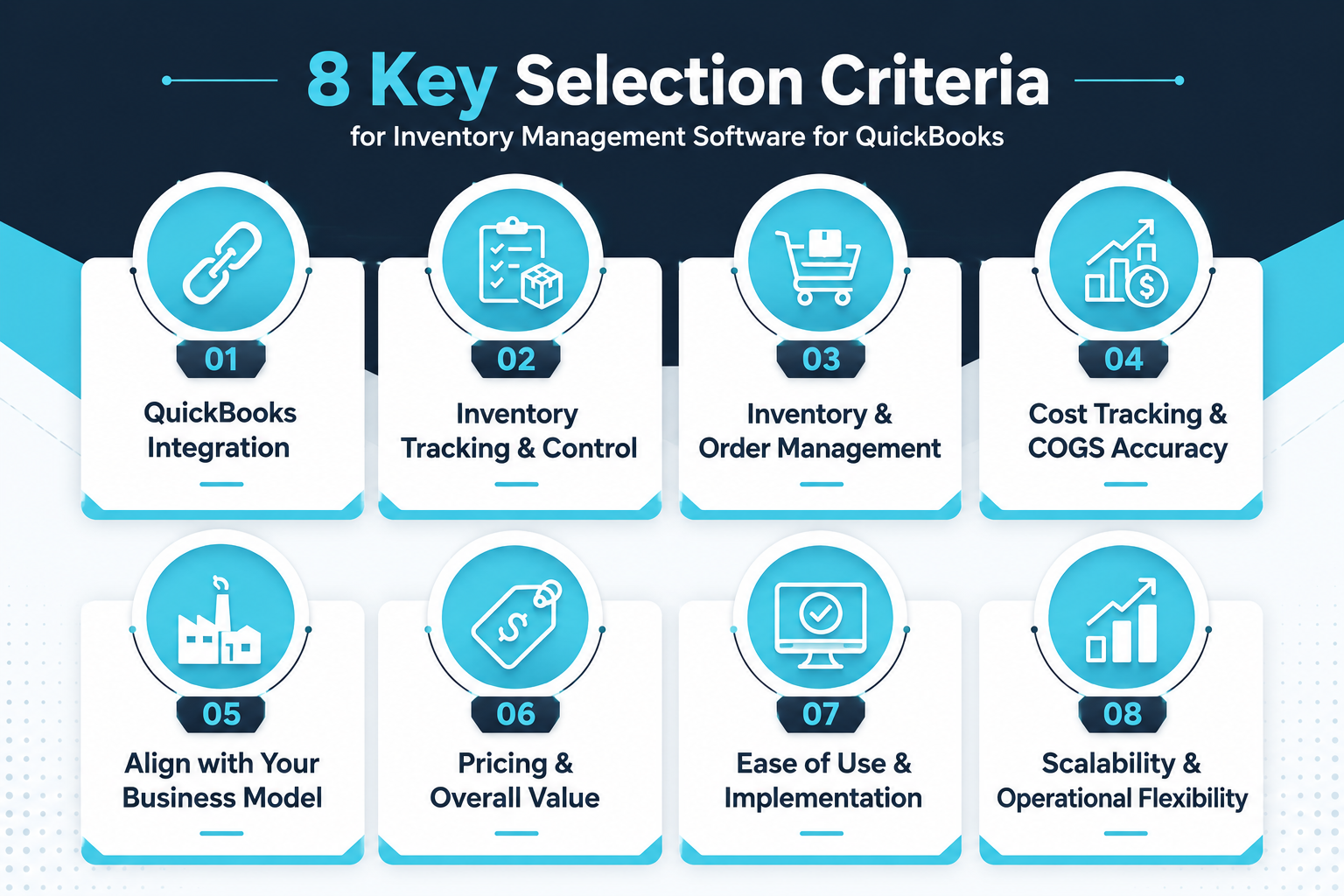
Integration quality is one of the most important factors to evaluate. Some platforms offer continuous, real-time synchronization with QuickBooks Online or QuickBooks Desktop, while others rely on periodic updates or manual data transfers. The difference shows up quickly in day-to-day operations, where delays or gaps in synchronization can lead to mismatched inventory and financial records.
Reliable inventory tracking is essential for maintaining accurate inventory levels. Strong systems provide visibility across products, locations, and sales channels, along with the ability to manage inventory control without constant manual adjustments. This becomes increasingly important as operations expand beyond a single warehouse or sales channel.
Many businesses require more than basic stock tracking. A well-rounded solution should support both inventory and order management, allowing teams to handle purchasing, sales orders, and fulfillment within a connected workflow. This reduces the need for separate tools and helps streamline day-to-day operations.
Inventory systems play a direct role in financial reporting. Accurate cost tracking and inventory valuation ensure that the cost of goods sold (COGS) in QuickBooks reflects real business activity. When cost data is incomplete or manually maintained, it can lead to unreliable margins and reporting inconsistencies.
Different tools are designed for different types of operations. Businesses that purchase and resell finished goods have different requirements compared to those managing production or manufacturing. Systems that support bill of materials (BOM), production workflows, and material tracking are better suited for more complex inventory environments.
Pricing structures vary widely across inventory management platforms. Some offer entry-level plans with basic inventory features, while others provide more advanced functionality at a higher cost. Evaluating overall value means looking beyond price alone and considering how well the system supports your current and future inventory needs.
Adoption plays a major role in long-term success. An inventory management solution should be intuitive enough for teams to use consistently, while still offering the depth required for accurate inventory management. Systems that require extensive manual work or complex setup can slow down operations rather than improve them.
As businesses grow, inventory complexity tends to increase. The right platform should support expansion across multiple locations, higher order volumes, and more advanced inventory management processes without requiring a complete system change.
Understanding these factors is important. But in practice, many tools still fall short when it comes to connecting inventory operations with QuickBooks.
Not all tools that claim to integrate with QuickBooks deliver the same level of visibility into your operations.
In many cases, the integration focuses primarily on syncing financial data, such as invoices, expenses, or purchase orders, while leaving the operational side of inventory largely disconnected. This creates a gap between what’s happening in your day-to-day inventory management and what’s reflected in your accounting system.
That gap becomes more noticeable as your business grows. Inventory moves across multiple channels, costs fluctuate, and order volumes increase. Without a system that connects both inventory and financial data in real time, it becomes harder to maintain accurate reporting and make informed decisions.
The most effective inventory management solutions are the ones that go beyond basic synchronization. They provide visibility into inventory levels, support day-to-day operational workflows, and ensure that what’s happening in your inventory system is consistently reflected in QuickBooks.
Not every inventory management platform solves the same operational challenges. Some systems focus heavily on warehouse management and inventory accuracy, while others prioritize manufacturing workflows, ecommerce fulfillment, or affordability for smaller businesses.
To help simplify the evaluation process, the table below compares the leading inventory management software solutions for QuickBooks based on their primary strengths, ideal use cases, and pricing structure.
While each platform offers different capabilities, the right solution ultimately depends on how your business manages inventory, order workflows, reporting requirements, and operational growth.
For businesses that rely heavily on QuickBooks, platforms that provide stronger inventory visibility and more structured operational control can help close the gap between inventory management and financial reporting.
Below, we break down each inventory management software solution in more detail, starting with NEX.
NEX is a cloud-based inventory management software built specifically for QuickBooks users who need more control, visibility, and structure than QuickBooks alone can provide.
Instead of forcing inventory workflows into accounting software, NEX is designed to handle inventory management as a dedicated system, while ensuring that financial data in QuickBooks remains accurate and aligned. This allows businesses to manage inventory operations properly without compromising their accounting processes.
NEX provides a dedicated inventory management platform that supports the day-to-day operational needs of product-based businesses. It enables teams to:
Track inventory across locations with real-time visibility
Maintain accurate inventory levels and movement data
Manage inventory workflows independently of accounting constraints
Generate detailed inventory reports for operational and financial use
This structure allows businesses to move beyond basic inventory tracking and adopt a more controlled and reliable inventory management process.
NEX is designed to work alongside QuickBooks by keeping inventory management and accounting connected, without forcing both into a single system.
Inventory is managed within NEX, while financial inventory data is reflected in QuickBooks through structured reporting, giving businesses control over how and when inventory values are recorded for accounting purposes. This approach is especially valuable for teams that prioritize accuracy, validation, and auditability in their financial reporting.
NEX is built for:
Small to mid-sized businesses using QuickBooks
Product-based companies managing inventory across multiple locations
Teams that require stronger inventory control than standard QuickBooks integrations provide
NEX is the right fit for businesses that:
Have outgrown QuickBooks’ built-in inventory features
Need detailed visibility into inventory operations
Manage inventory across multiple workflows or locations
Want a structured approach to aligning inventory with financial reporting
NEX is tailored to fit different inventory management needs, with pricing based on your business requirements, workflows, and scale. To see how NEX can support your inventory operations and QuickBooks workflows, request a demo today.
Pros:
Purpose-built for QuickBooks users
Strong inventory control and visibility
Supports detailed inventory reporting and operational workflows
Cons:
Requires a structured implementation approach
May involve a learning curve for teams transitioning from basic inventory systems
NEX is positioned as a specialized inventory management solution for QuickBooks users, focused on delivering greater control and accuracy compared to general-purpose inventory tools.
NEX stands apart by treating inventory management as a dedicated operational system while keeping QuickBooks focused on accounting, giving businesses better control over both sides without compromise.
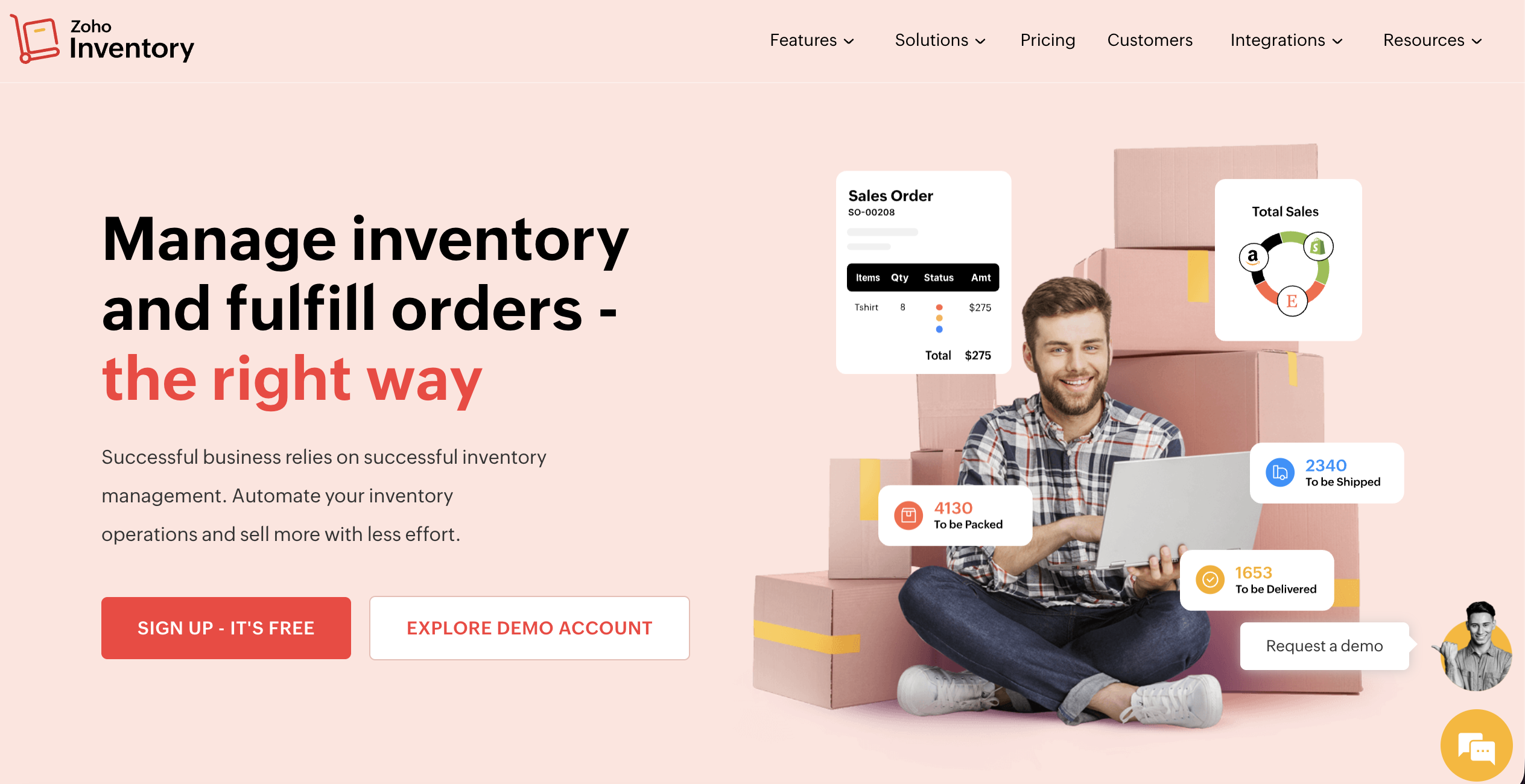
Zoho Inventory is a cloud-based inventory management software with QuickBooks integration, designed primarily for small business users looking for an affordable and flexible inventory system. As part of the broader Zoho ecosystem, it functions as an accessible inventory management solution that helps businesses manage sales and inventory, while also supporting integration with QuickBooks Online for financial reporting.
Zoho Inventory provides a range of tools to support inventory management tasks and order processing, including:
Inventory tracking across multiple sales channels
Order management and fulfillment workflows
Integration with e-commerce platforms
Basic reporting and inventory insights
The platform is designed to help businesses maintain an integrated inventory workflow, especially when managing sales across different channels.
Zoho Inventory offers integration with QuickBooks Online, allowing businesses to sync financial data such as invoices and transactions. This integration supports inventory management and financial reporting, although the depth of synchronization may vary depending on workflows and setup.
Zoho Inventory is best suited for:
Small business users
E-commerce and retail operations
Companies managing multi-channel sales
Zoho Inventory is a good fit for businesses that:
Need a cost-effective inventory software
Want to manage sales and inventory in one system
Are you looking for an entry-level inventory management system that works with QuickBooks
Zoho Inventory offers a free plan with basic inventory management capabilities, along with tiered paid plans that scale with business needs.
Pros:
Accessible pricing, including a free option
Strong ecosystem integrations
Suitable for small business inventory needs
Cons:
Limited advanced inventory features
May require additional tools for more complex operations
Zoho Inventory is widely adopted among small businesses and is recognized as a practical option for companies needing a simple inventory tool connected to QuickBooks Online.
Zoho Inventory stands out for offering an accessible, cloud-based inventory management platform with a free entry point, making it a common starting point for small businesses.
InFlow Inventory is an inventory management system designed for small to mid-sized businesses, particularly those in wholesale, distribution, and light manufacturing. It provides a more structured approach to inventory control compared to basic inventory tools, with support for both cloud and on-premise deployments.
InFlow Inventory focuses on inventory control and operational efficiency, offering:
Barcode-based inventory tracking
Purchase and sales order management
Inventory movement tracking
Reporting for inventory and operations
The platform is designed to support efficient inventory management across multiple workflows.
InFlow Inventory supports integration with QuickBooks Online, allowing businesses to sync financial data and maintain alignment between inventory and accounting.
InFlow Inventory is best suited for:
Wholesale and distribution businesses
B2B operations
Light manufacturing environments
InFlow Inventory works well for businesses that:
Require structured inventory control
Manage inventory across warehouses or locations
Need a more robust inventory system than basic tools provide
InFlow Inventory offers subscription-based pricing, with plans based on features, users, and deployment type.
Pros:
Strong inventory control features
Barcode and warehouse support
Flexible deployment options
Cons:
Interface may feel less modern compared to newer tools
Setup may require time for configuration
InFlow Inventory is commonly used by SMBs and is known for its reliable inventory tracking and control capabilities.
InFlow Inventory is recognized for its structured approach to inventory control, particularly for wholesale and distribution environments.
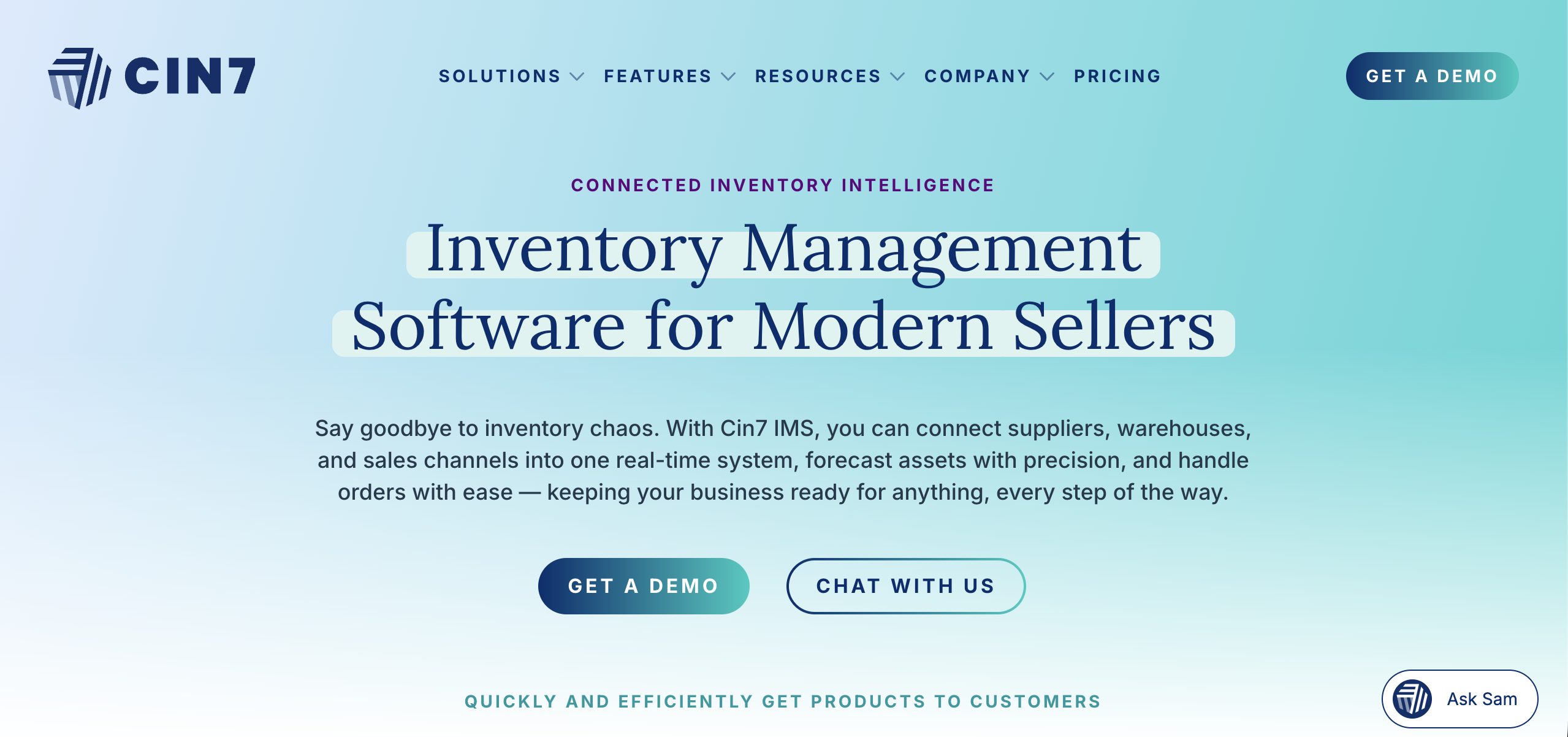
Cin7 Core is an advanced inventory management software with QuickBooks integration, designed for growing businesses that need automation and more sophisticated inventory workflows.
It operates as a comprehensive inventory management platform built for businesses scaling their operations, particularly in e-commerce and retail.
Cin7 Core offers a wide range of features for managing inventory and order workflows, including:
Inventory tracking across multiple locations
Warehouse management capabilities
Automation of inventory processes
Reporting and forecasting tools
The platform is designed to support complex inventory management processes and operational scaling.
Cin7 Core integrates with QuickBooks Online, supporting synchronization of financial and inventory data to maintain alignment between systems.
Cin7 Core is best suited for:
E-commerce and retail businesses
Scaling operations
Multi-channel sales environments
Cin7 Core is a strong option for businesses that:
Need advanced inventory management capabilities
Manage inventory across multiple channels and warehouses
Require automation in inventory workflows
Cin7 Core uses a subscription-based pricing model, typically aligned with business size and feature requirements.
Pros:
Advanced automation and workflows
Strong multi-location support
Scalable inventory management system
Cons:
Higher cost compared to entry-level tools
Complexity may require onboarding and training
Cin7 Core is widely recognized as a robust inventory management solution for growing businesses.
Cin7 Core stands out for its automation and scalability, making it suitable for businesses with complex inventory operations.
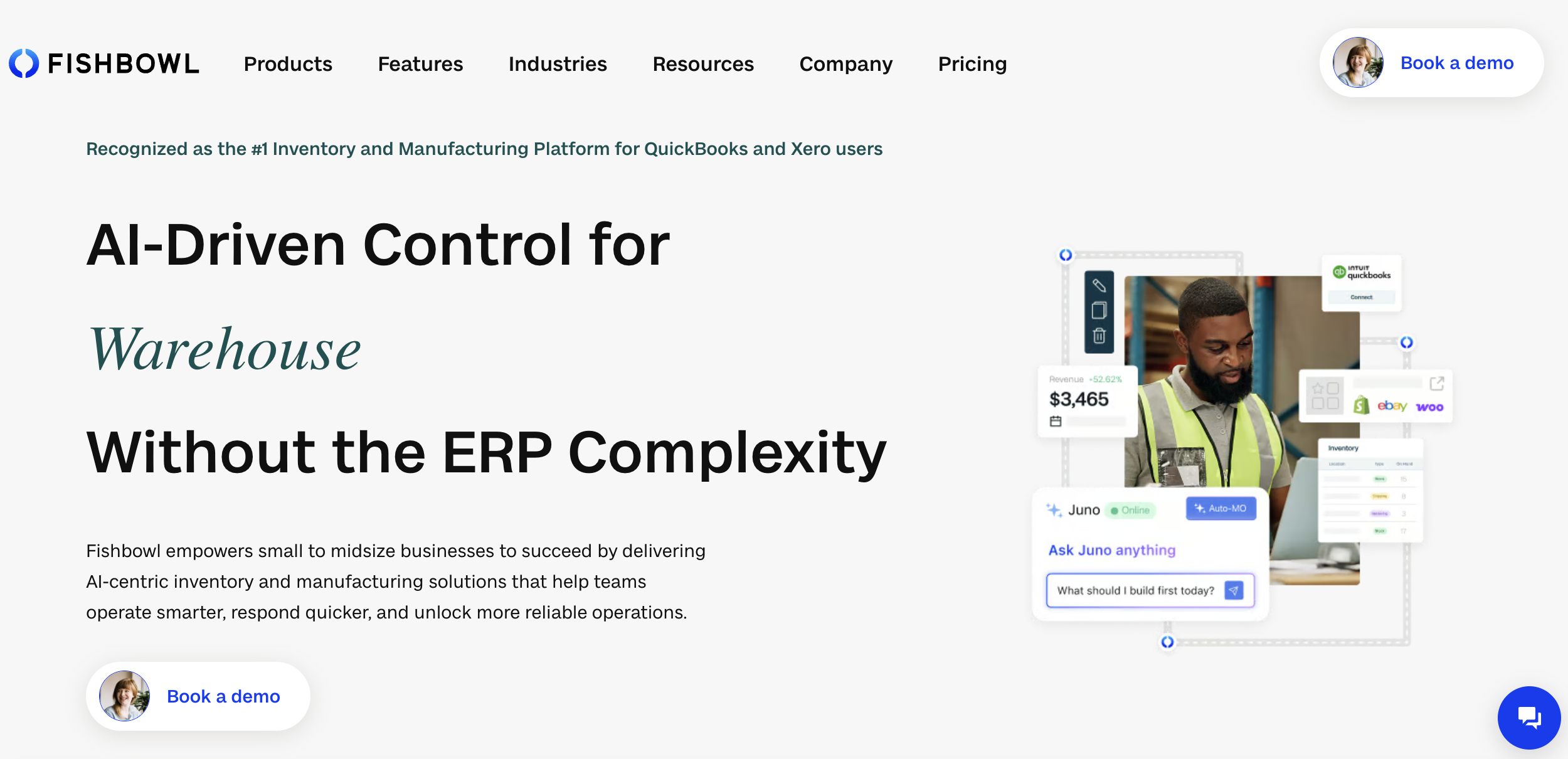
Fishbowl Inventory is a long-standing inventory management software designed to work with QuickBooks Desktop and Online, particularly for manufacturing and warehouse-heavy businesses.
It is often used as an extension of QuickBooks Desktop and online for companies that require more advanced inventory functionality.
Fishbowl supports inventory and manufacturing workflows, including:
Inventory tracking and control
Warehouse management
Manufacturing and bill of materials (BOM) support
Asset tracking
Fishbowl is known for its integration with QuickBooks Desktop, making it a common choice for businesses that operate in desktop-based accounting environments.
Fishbowl is best suited for:
Manufacturing businesses
Warehouse operations
Companies using QuickBooks Desktop
Fishbowl works well for businesses that:
Need manufacturing and inventory support
Rely on QuickBooks Desktop
Manage physical inventory across warehouses
Fishbowl pricing includes a software subscription, plus possible additional integrations and a one-time training/implementation fee.
Pros:
Strong QuickBooks Desktop integration
Manufacturing and warehouse capabilities
Established product in the market
Cons:
Not fully cloud-based
May require a more complex setup
Fishbowl has a long-standing reputation as a go-to inventory solution for QuickBooks Desktop users.
Fishbowl stands out for its deep integration with QuickBooks Desktop and manufacturing support.
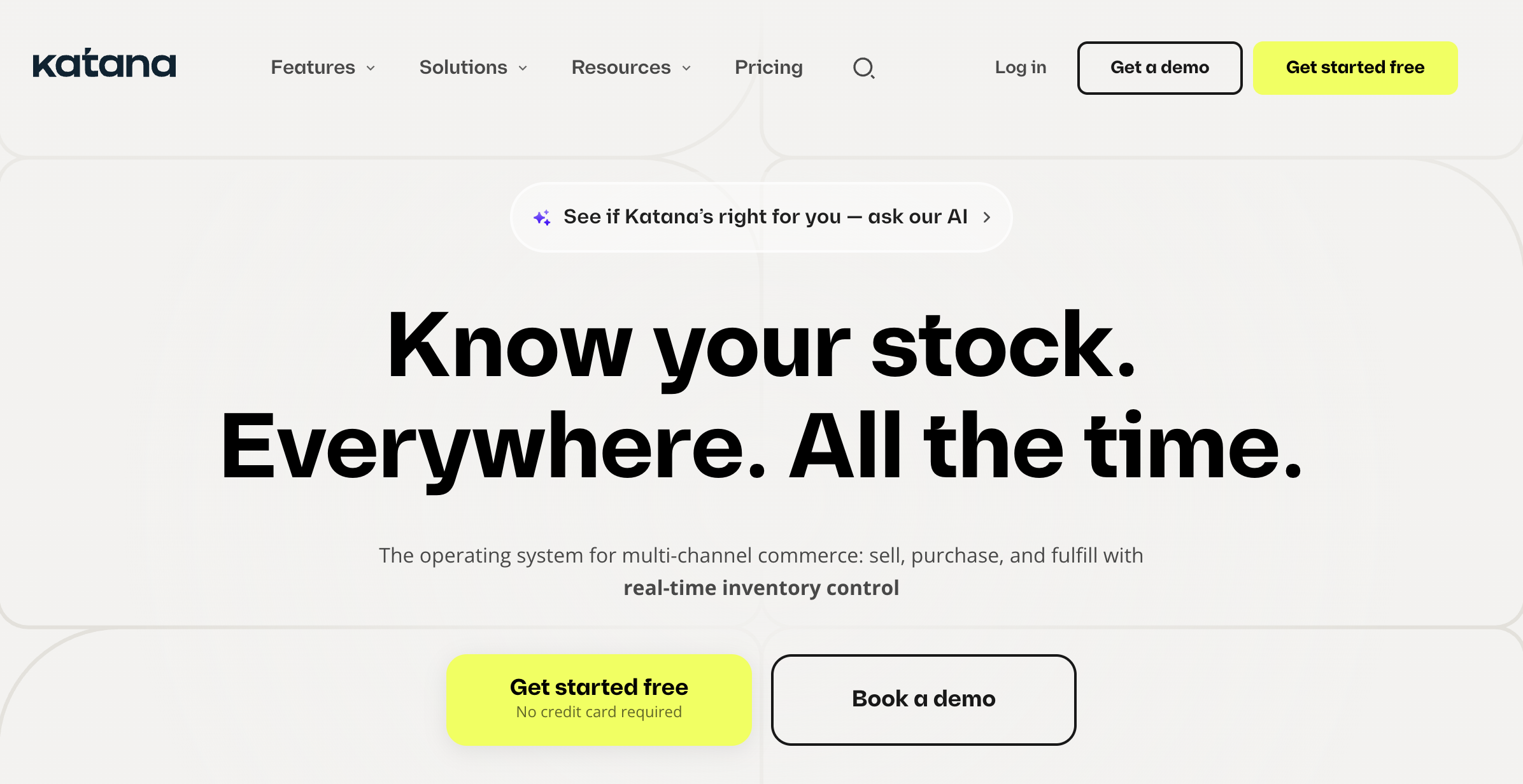
Katana is a modern cloud-based inventory management platform designed for manufacturing and production workflows.
It focuses on providing real-time visibility into inventory and production processes.
Katana supports inventory and manufacturing workflows, including:
Real-time inventory tracking
Production planning and scheduling
Bill of materials (BOM) management
Shop floor visibility
Katana integrates with QuickBooks Online, allowing businesses to align inventory operations with financial reporting.
Katana is best suited for:
Manufacturing businesses
Production-driven companies
Product-based startups
Katana works well for businesses that:
Need production and inventory tracking in one system
Require real-time visibility into inventory levels
Manage manufacturing workflows
Katana offers subscription-based pricing aligned with features and scale.
Pros:
Real-time inventory and production visibility
Modern interface
Strong manufacturing support
Cons:
Higher cost for smaller teams
Focused primarily on manufacturing use cases
Katana is recognized as a modern inventory solution for manufacturing businesses.
Katana stands out for combining inventory management and production workflows in a real-time environment.
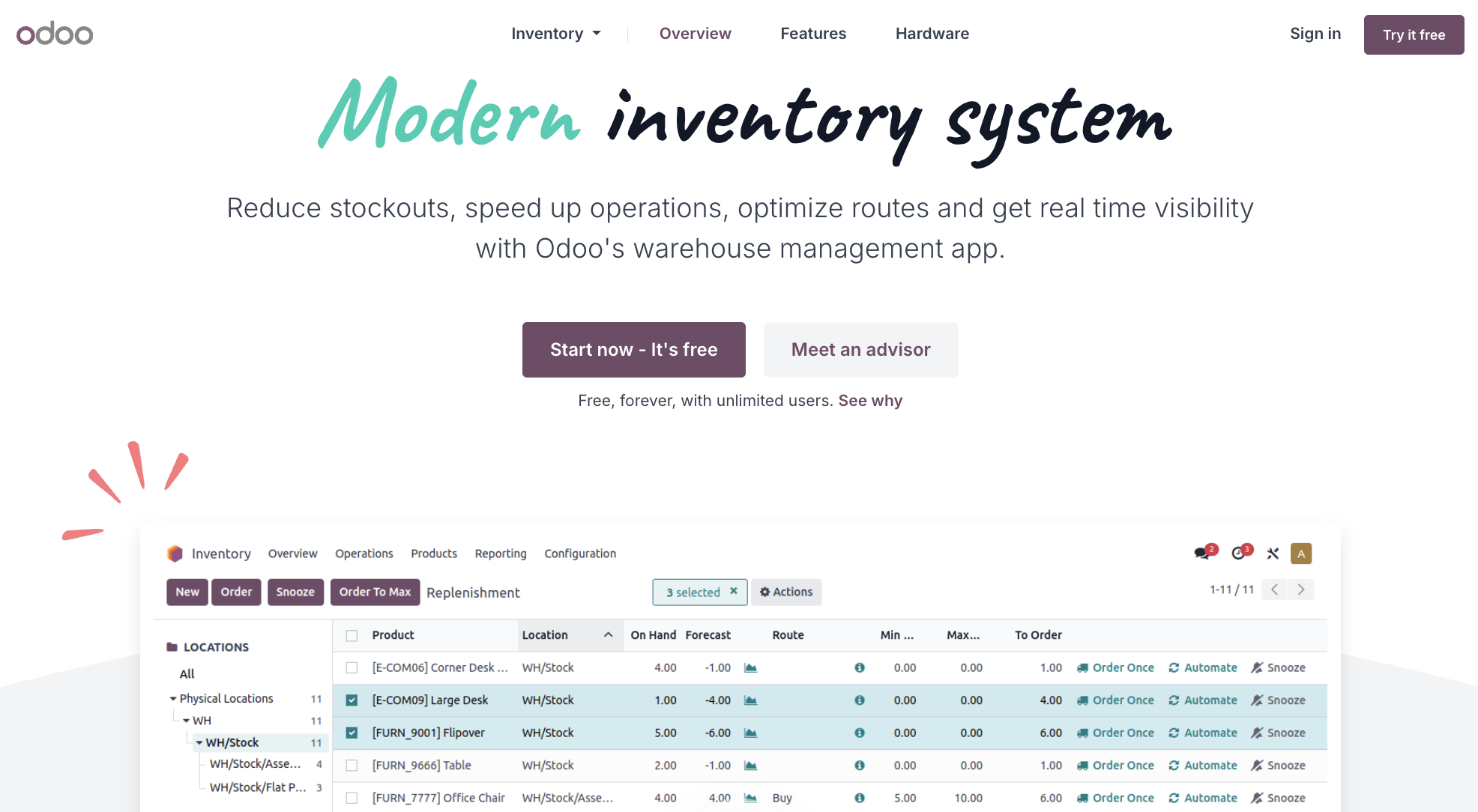
Odoo Inventory is part of the broader Odoo ERP platform, offering a modular inventory management system designed for businesses that need flexibility and scalability.
As a cloud-based inventory management platform built for businesses, Odoo allows companies to manage inventory as part of a larger system that can also include accounting, sales, manufacturing, and more.
Odoo Inventory provides a wide range of tools for managing inventory and operational workflows, including:
Real-time inventory tracking across locations
Warehouse management and routing
Inventory forecasting and replenishment
Integration with sales, purchasing, and manufacturing modules
Odoo does not offer native QuickBooks integration, but it can integrate with QuickBooks Online through third-party connectors or middleware.
This means businesses can still sync with QuickBooks, although setup may require additional configuration depending on the integration method.
Odoo Inventory is best suited for:
Growing small to mid-sized businesses
Companies moving toward ERP-level systems
Businesses managing inventory across multiple functions
Odoo Inventory is a strong option for businesses that:
Want a unified system for inventory, sales, and operations
Need flexibility to expand into manufacturing or ERP workflows
Are comfortable configuring a more customizable inventory system
Odoo offers a modular pricing structure, where businesses pay based on the apps and features they use. A free version is available with limited functionality, with paid plans scaling based on usage.
Pros:
Highly flexible and modular system
Supports inventory, manufacturing, and ERP workflows
Scalable for growing businesses
Cons:
Requires setup and configuration for full functionality
QuickBooks integration is not native
May be more complex than standalone inventory tools
Odoo is widely recognized as a flexible ERP platform, with strong adoption among businesses looking for an all-in-one management solution.
Odoo Inventory stands out for its modular ERP approach, allowing businesses to manage inventory as part of a broader operational system rather than as a standalone tool.
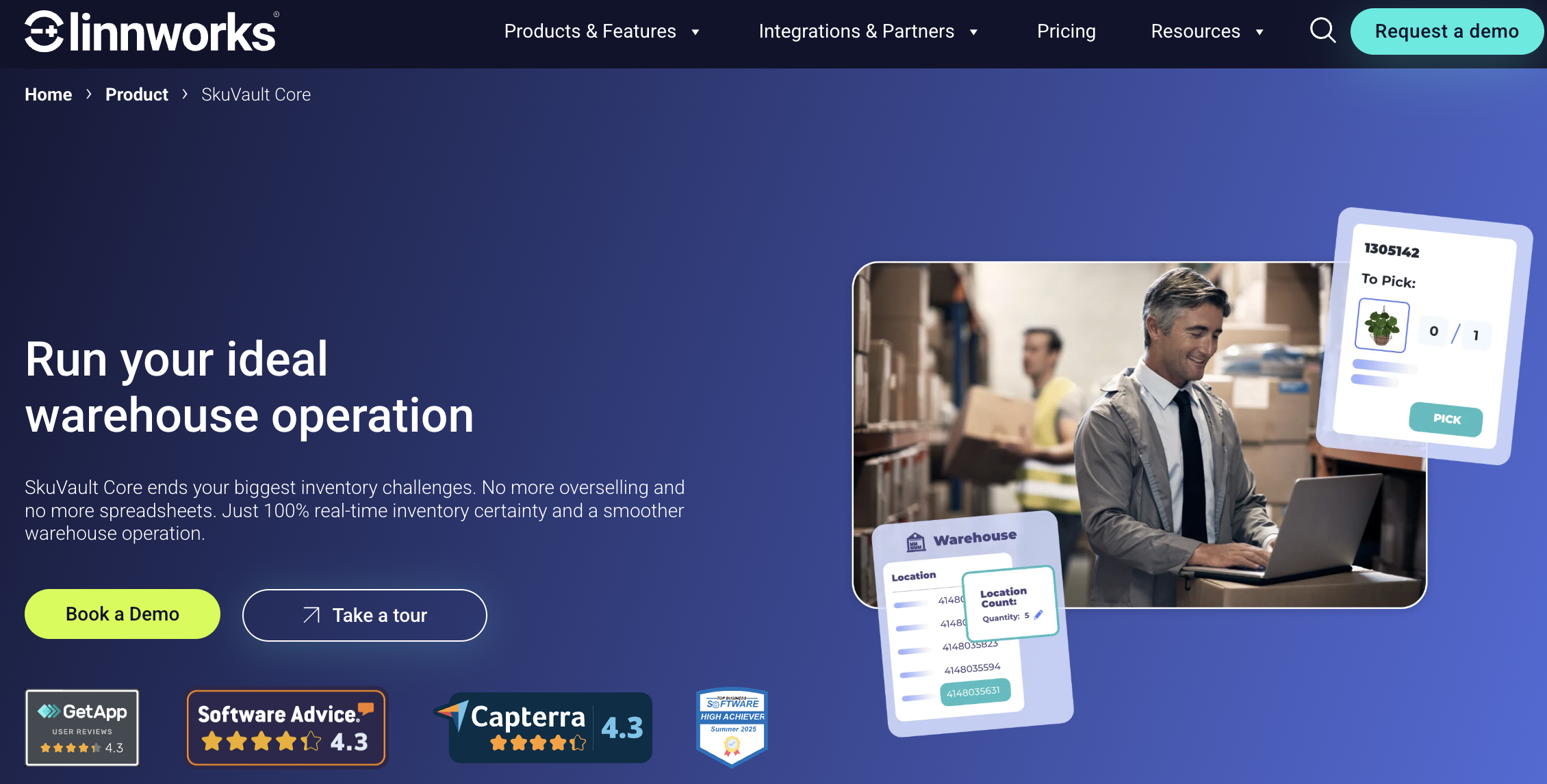
SkuVault Core (by Linnworks) is a warehouse-focused inventory management system designed to improve inventory accuracy and operational efficiency for high-volume businesses.
It is built as a specialized inventory software for companies managing complex fulfillment and warehouse operations.
SkuVault Core emphasizes inventory control and warehouse efficiency, offering:
Real-time inventory tracking
Warehouse management workflows
Picking, packing, and cycle counting
Inventory accuracy and audit tools
The platform is designed to support efficient inventory management across warehouse environments.
SkuVault Core supports integration with QuickBooks Online, enabling synchronization of inventory and financial data.
This allows businesses to maintain alignment between warehouse operations and accounting systems.
SkuVault Core is best suited for:
E-commerce businesses
Warehouse-heavy operations
High-volume fulfillment environments
SkuVault Core is a strong fit for businesses that:
Require precise inventory tracking and control
Operate large or complex warehouse environments
Need to improve inventory accuracy and reduce errors
SkuVault Core offers subscription-based pricing, typically tailored based on operational scale and requirements.
Pros:
Strong warehouse management capabilities
High inventory accuracy
Designed for operational efficiency
Cons:
May be complex for smaller teams
Primarily focused on warehouse use cases
SkuVault is well-regarded for improving inventory accuracy and warehouse efficiency, particularly in e-commerce operations.
SkuVault Core stands out for its warehouse-first approach to inventory management, focusing on accuracy and operational control.
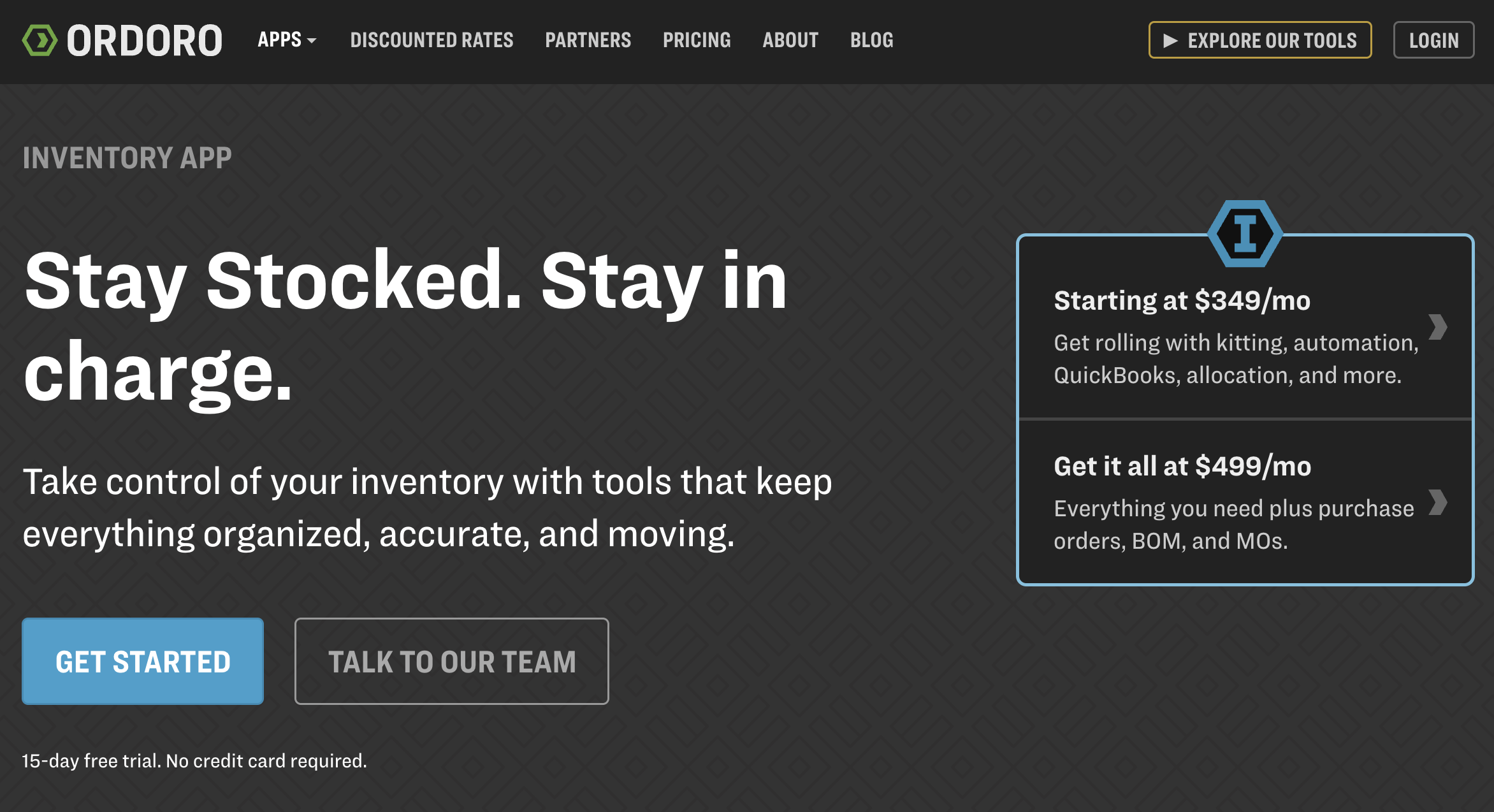
Ordoro is an inventory and order management platform designed for e-commerce businesses, combining inventory tracking with shipping and fulfillment tools.
It functions as a multi-purpose inventory management system that connects inventory, orders, and logistics in one platform.
Ordoro supports inventory and shipping workflows, including:
Inventory tracking across channels
Order management and fulfillment
Shipping automation and label generation
Multi-channel ecommerce integration
The platform is designed to simplify sales and inventory management across e-commerce operations.
Ordoro offers integration with QuickBooks Online, allowing businesses to sync financial and inventory data for reporting and accounting purposes.
Ordoro is best suited for:
E-commerce businesses
Online retailers
Multi-channel sellers
Ideal Use Cases
Ordoro works well for businesses that:
Need combined inventory and shipping tools
Sell across multiple e-commerce platforms
Want to streamline fulfillment and logistics
Ordoro offers tiered pricing plans that scale based on features, order volume, and operational needs.
Pros:
Strong shipping and fulfillment integration
Multi-channel inventory support
Scalable pricing options
Cons:
Limited manufacturing capabilities
May not suit non-ecommerce businesses
Reviews & Reputation
Ordoro is popular among e-commerce SMBs for its ease of use and combined inventory and shipping functionality.
Ordoro stands out by combining inventory management with shipping and fulfillment tools in a single platform.
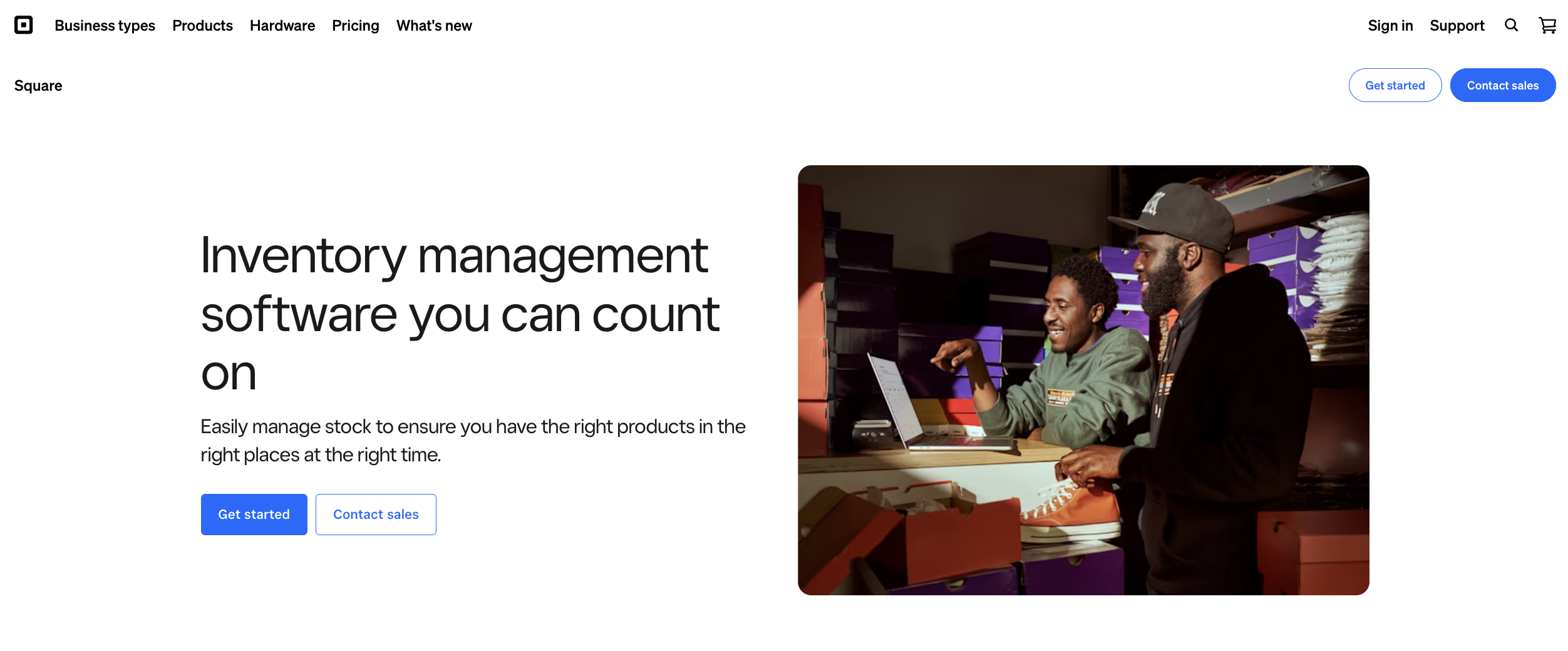
Square for Retail is a POS-driven inventory system designed for retail businesses, offering a simple way to manage inventory alongside in-store sales.
It functions as an inventory app with basic inventory management capabilities, integrated into the broader Square ecosystem.
Square for Retail supports inventory and retail workflows, including:
Inventory tracking and stock management
Sales tracking through POS
Product catalog management
Basic reporting and analytics
The platform is designed for simple and efficient inventory management in retail environments.
Square for Retail can integrate with QuickBooks Online, allowing businesses to sync sales and financial data for accounting purposes.
Square for Retail is best suited for:
Retail businesses
Brick-and-mortar stores
Small business owners
Square for Retail is a good fit for businesses that:
Need a simple inventory system tied to POS
Manage in-store sales and inventory
Want a low-cost or entry-level inventory solution
Square for Retail offers a free plan with basic inventory features, along with paid plans that add more functionality.
Pros:
Free option available
Easy to set up and use
Integrated POS and inventory system
Cons:
Limited advanced inventory capabilities
Not designed for complex inventory operations
Square for Retail is widely used among small retailers and is often considered a practical starting point for inventory management.
Square for Retail stands out as one of the most accessible inventory solutions for retail businesses, particularly for those looking for a free option.
The best inventory management software for QuickBooks depends on your inventory complexity, operational workflows, and reporting requirements.
Some businesses need simple inventory tracking for retail or e-commerce, while others require advanced warehouse management, manufacturing support, or multi-location inventory visibility. As operations grow, dedicated inventory management software can help improve inventory accuracy, reduce manual work, and keep operational and financial data aligned.
For businesses that rely heavily on QuickBooks, NEX's Inventory Management Software provides stronger inventory control and operational visibility without replacing existing accounting workflows.
Whether you’re managing warehouse operations, manufacturing, ecommerce fulfillment, or wholesale distribution, choosing the right inventory management system can help create a more scalable and efficient operation as your business grows.
The best option depends on your needs. NEX is ideal for QuickBooks-focused users, while Cin7 Core is best for advanced inventory management.
Yes, QuickBooks Online includes basic inventory features in select plans. However, growing businesses often need dedicated software for advanced tracking, warehouses, or order workflows.
Square for Retail and Zoho Inventory both offer free options. Square is better for retail/POS users, while Zoho is better for basic inventory and order management.
Fishbowl is one of the better-known options for QuickBooks Desktop users. It is especially relevant for businesses with warehouse or manufacturing needs.
Yes, many tools can sync data with QuickBooks automatically. The exact sync depends on the platform and may include invoices, orders, bills, sales data, or inventory values.
A business should upgrade when manual updates, stock mismatches, or limited visibility become common. Dedicated tools help manage inventory, orders, and reporting more accurately.

1 min read
How much cash is sitting in your warehouse right now? According to McKinsey, U.S. retailers are holding over $740 billion in unsold inventory, a...

1 min read
You are about to integrate inventory management software with QuickBooks. Before you click connect, pause. Are you confident your data will survive...
1 min read
Selling across Amazon, eBay, Shopify, and your own store should increase revenue. So why does it often increase confusion?